How to take out a new Jomach tape number
1. Firstly confirm that there is a network connection to the NC programming office folders.
2. If one is not present the network drive must be mapped.
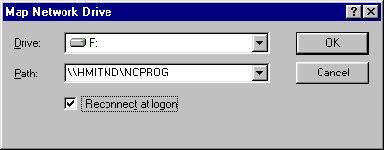
3. Click on Tools > Map Network Drive.
4. Then pick a free drive letter and add \\hmitnd\ncprog under the path text box and tick "Reconnect at logon". Then click OK.
5. Scroll down to the Jomach folder and look for the Excel spreadsheet named Jnumber.xls.
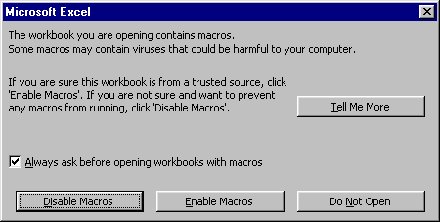
6. Open up document and click on Enable macros.
7. Click on New J no tab and fill in all the fields.
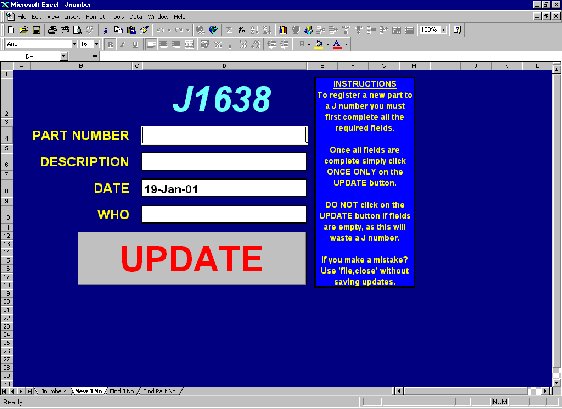
8. When complete click on update an this will add the details to the master list.
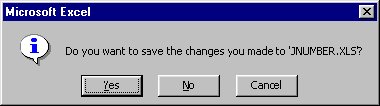
9. If you click on Jnumber tab you will see that the list has been updated. When exiting make sure that the file is saved.
Richard Starr
Production Engineer
Return to Index<&nsp> Return to top of Page